Youtube Kit
- YouTube Video Ideas Generator
- YouTube Thumbnail
- Thumbnail Preview Tester
- YouTube Tag Generator
- YouTube Title Generator
- New Hashtag Generator
- New Shorts Caption Generator
- New YouTube Keyword Finder
- New YouTube Earnings Calculator
- New Thumbnail CTR Checker
- Thumbnail Font Generator
- New Text Size Calculator
Image Tools
- Png to JPG Converter
- JPG to PNG Converter
- WEBP to PNG Converter
- WEBP to JPG
- PNG to WEBP Converter
- Reverse Image Search
- Text To Image
- Jpg Converter
- Favicon Generator
- Image Compressor
- PNG Compressor
- Image Resizer
- Rotate Image
- Meme Generator
- Flip Image
- Image Enlarger
- Crop Image
- Video to GIF Converter
- SVG Converter
- PNG to SVG
- JPG to SVG
- HEIC to JPG
- HEIC to PNG
- AVIF to JPG
- AVIF to PNG
- SVG to JPG
- SVG to PNG
Stop copy-pasting the same post into 10 different apps.
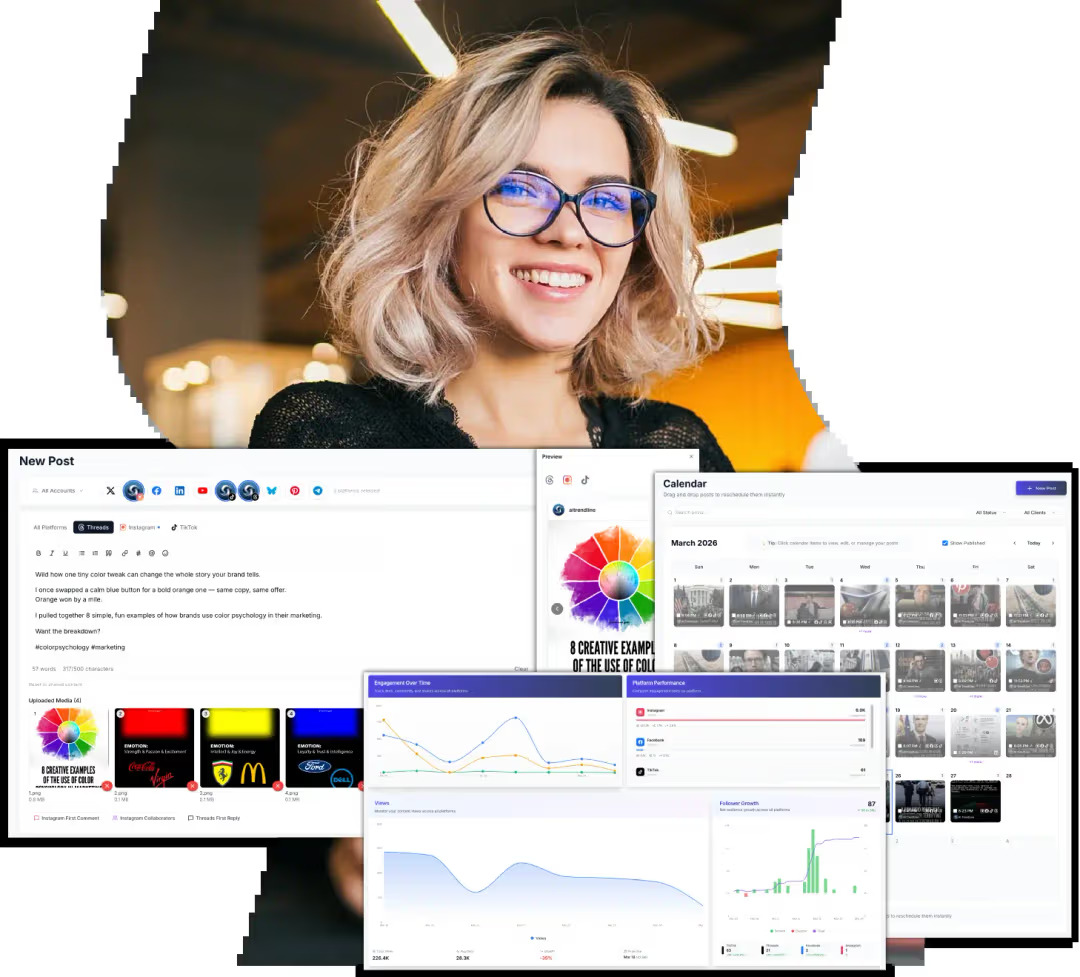
Post your content to X, Instagram, Facebook, LinkedIn, YouTube, TikTok, Threads, Bluesky, Pinterest, and Telegram simultaneously with a single click.
buy now
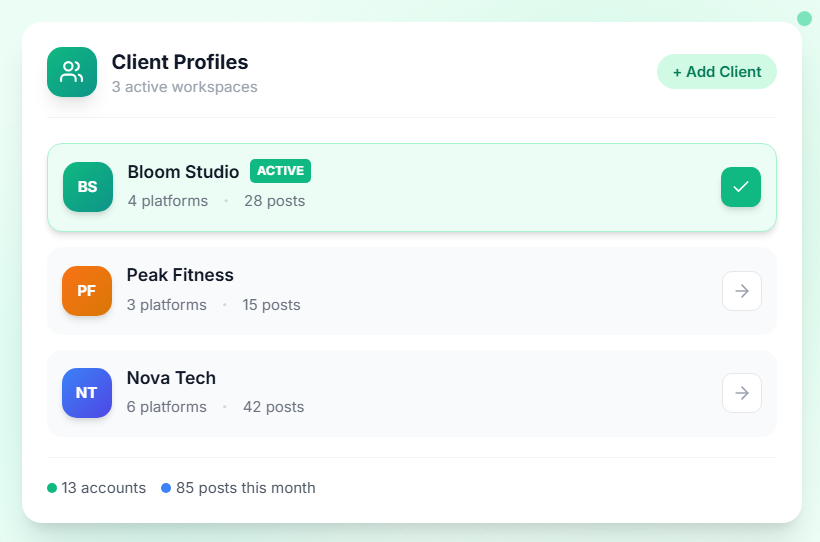
Manage multiple brands and clients from one dashboard.
Each profile has its own connected accounts, content calendar, and posting history — so nothing ever gets mixed up.
video test
video test
Frequently Asked Questions
Frequently Asked Questions (FAQs) is a list of common questions and answers provided to quickly address common concerns or inquiries.
How It Works
Three steps from raw image to perfectly sized, compressed output.
Upload Your Images
Drag and drop one image or an entire batch. JPG, PNG, WebP, GIF, AVIF, SVG, and HEIC (iPhone) are all accepted. Up to 50 files at once.
Set Your Options
Choose an output format, drag the quality slider to control file size, and pick a resize mode — pixels, percentage, or a social media preset.
Download Converted Files
Click Convert to process everything in your browser. Download each file individually or grab all converted images in a single ZIP.